
In the rapidly evolving world of gaming, having the right hardware can make all the difference between a mediocre experience and an exhilarating one. Building your own gaming PC not only allows you to customize it according to your preferences but also helps you save money and gain a deeper understanding of your machine. In this article, we will guide you through the process of becoming a skilled gaming PC builder, highlighting key components, tips for assembly, and the benefits of going the DIY route.
Understanding Gaming PC Components
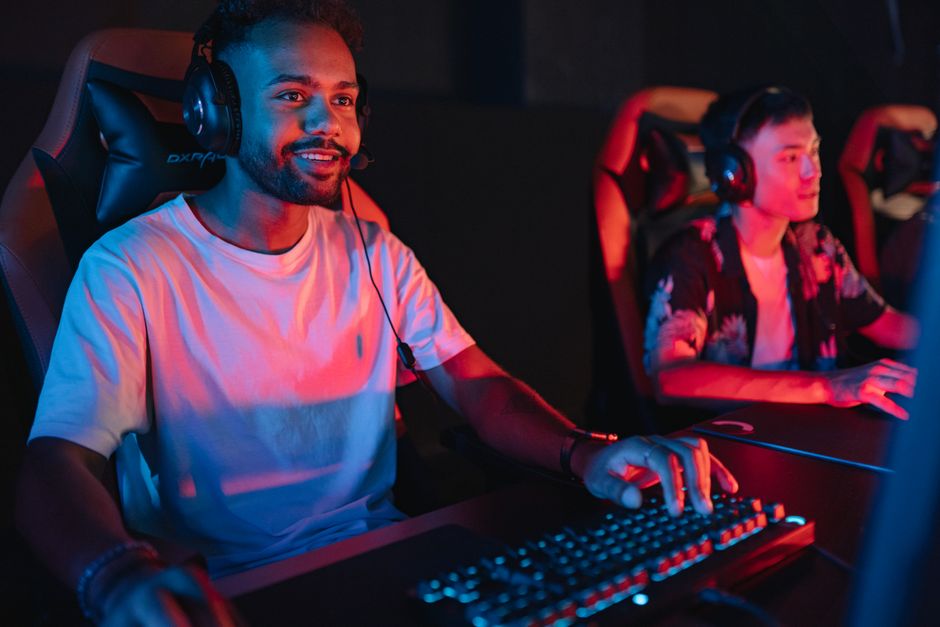
Before diving into the assembly process, it’s crucial to understand the main components that make up a gaming PC. The core components include the CPU, GPU, RAM, motherboard, storage, and power supply. Each part plays a significant role in the overall performance of your gaming rig.
The CPU (Central Processing Unit) is often referred to as the brain of the computer. It processes instructions and performs calculations. For gaming, a powerful CPU is essential as it ensures smooth gameplay and efficient multitasking. Popular choices for gaming PCs include Intel Core i7/i9 and AMD Ryzen 7/9 series.
The GPU (Graphics Processing Unit) is equally important and is responsible for rendering images and video. A high-performance GPU allows for better graphics and frame rates, which are critical for an immersive gaming experience. NVIDIA and AMD are the leading manufacturers in this space, providing a range of options from budget to high-end models.
Choosing the Right Components
When selecting components, it’s essential to consider compatibility and your specific gaming needs. A common mistake among novice builders is choosing a GPU that is too powerful for a weaker CPU, leading to bottlenecking and suboptimal performance.
In addition to the CPU and GPU, RAM (Random Access Memory) is vital for smooth operation. For gaming, a minimum of 16GB is recommended, with 32GB being ideal for future-proofing. Furthermore, selecting the right motherboard is crucial as it determines the compatibility of all components and provides connectivity options.
Storage is another area that requires thoughtful consideration. Solid State Drives (SSDs) offer faster load times than traditional Hard Disk Drives (HDDs), significantly enhancing the gaming experience. Many builders opt for a combination of both, using an SSD for the operating system and frequently played games, and an HDD for additional storage.
Assembly Tips for Beginners
Once you have gathered all your components, it’s time to assemble your gaming PC. Start by carefully reading the manuals for each component. This will help you understand the installation process and avoid damaging any parts.
Grounding yourself is essential to prevent static electricity from damaging sensitive components. You can do this by wearing an anti-static wrist strap or frequently touching a grounded metal object. Begin by installing the CPU and RAM onto the motherboard before placing it in the case. This will give you easier access and reduce the risk of damaging the motherboard when it is installed.
When it comes to installing the GPU, ensure you have sufficient space and that your power supply can handle the load. Cable management is also important for airflow and aesthetics. Utilize zip ties to bundle cables neatly and ensure they do not obstruct fans.
Testing and Troubleshooting Your Build
After assembly, it’s time to power on your gaming PC. If it doesn’t boot, don’t panic; troubleshooting is part of the process. Check all connections, ensure that the power supply is functioning, and verify that all components are seated correctly in their slots.
Once your PC boots successfully, install the operating system and necessary drivers. Benchmarking tools can help you test the performance of your gaming PC, ensuring that all components are working as expected. Keep an eye on temperatures using monitoring software to ensure that your cooling solutions are adequate.
Finally, consider optimizing your settings in games and utilizing performance-enhancing software to further improve your gaming experience.
Benefits of Being a Gaming PC Builder
Building your own gaming PC offers several advantages, the most prominent being customization. You can tailor your machine to suit your gaming preferences, whether that’s prioritizing graphics, speed, or storage capacity. Additionally, building your own PC often results in cost savings compared to purchasing pre-built systems with similar specifications.
Moreover, assembling a gaming PC is an educational experience that enhances your technical skills. Understanding how each component works together helps you make informed decisions in the future, whether you are upgrading or troubleshooting.
For those looking to dive deeper into the world of PC building, resources such as online forums and guides can be invaluable. Websites like gaming PC builder provide tools for compatibility checking and budgeting, making the building process smoother and more enjoyable.
Conclusion
In conclusion, becoming a gaming PC builder is not only a rewarding experience but also a practical investment in your gaming future. By understanding the components, carefully selecting parts, and following assembly best practices, you can create a powerful machine tailored to your needs. Embrace the journey of building your own gaming PC and enjoy the unparalleled gaming experience it brings.
